Photoshop
Paragraph text in the exact font, vector shape layers, images as smart objects with real masks, layer groups. Give it a flat image and it rebuilds the type as live text over a clean plate.
Working today
Describe what you need, or show Qookin a reference: a photo, a clip, a finished edit, a web page. It builds the project from scratch in Photoshop, Illustrator, After Effects, Blender or Premiere Pro, the way an artist in that app would. Text stays text, shapes stay vectors, models are real geometry. The models that read your work run on an AI workstation you own, so client work never leaves the studio.

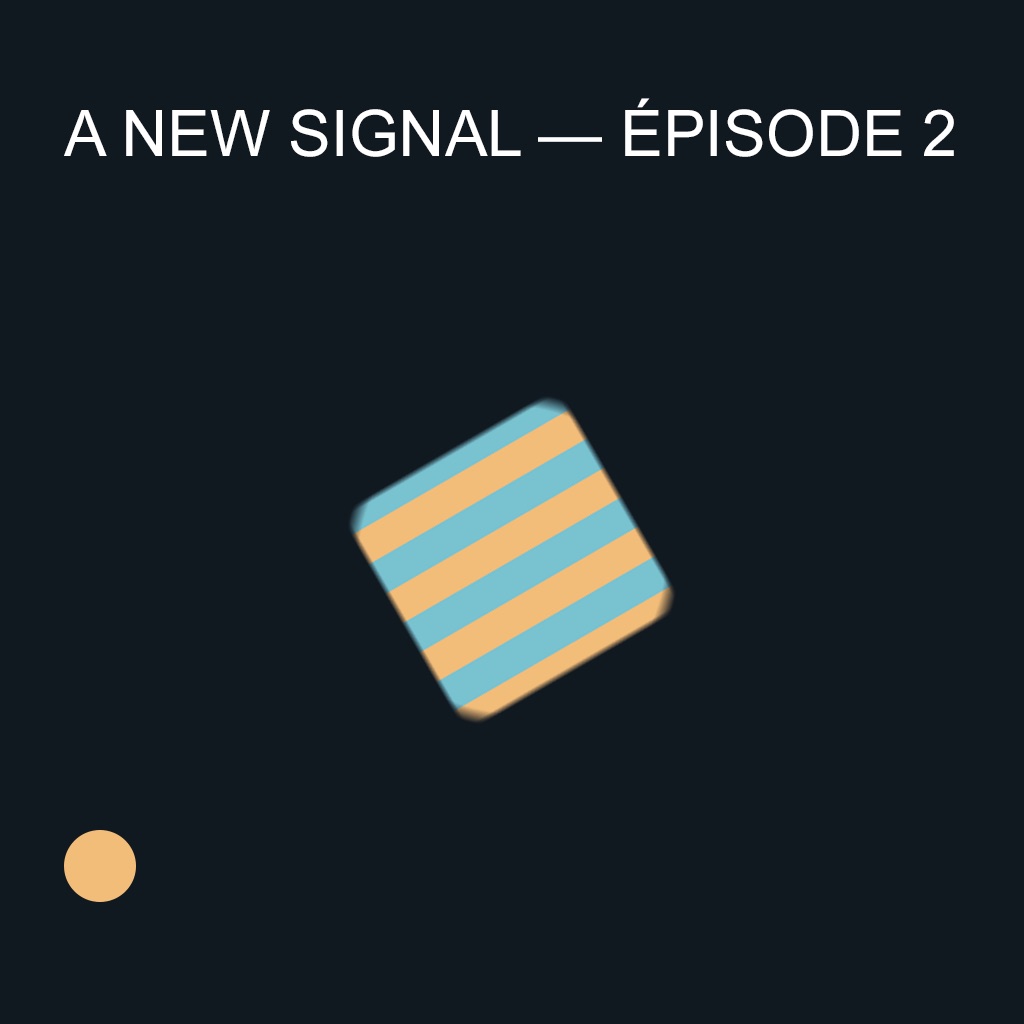
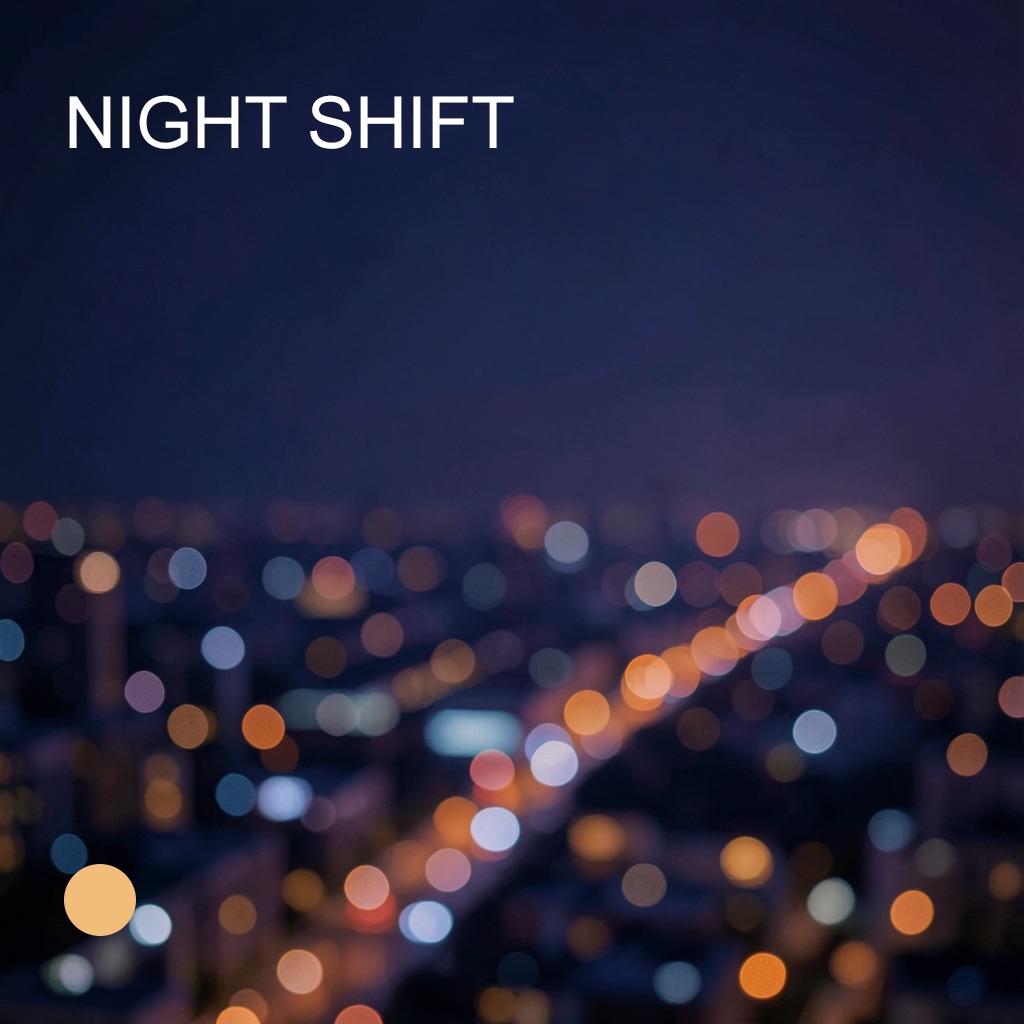
This is the real title card Qookin built in Photoshop during testing. The headline above is live text, just as it is in the PSD.
Press ⌥ Space. Type or say what you need, or drop in a reference: a photo, a clip, a finished edit, a web address. Qookin works in the app in front of you, or the one you name.
Qookin works out what the reference is made of and how a person would build it in that app: layers and type in Photoshop, bezier outlines in Illustrator, rigs and keyframes in After Effects, lofts and modifiers in Blender, cuts and grades in Premiere. Your notes and house rules steer the plan.
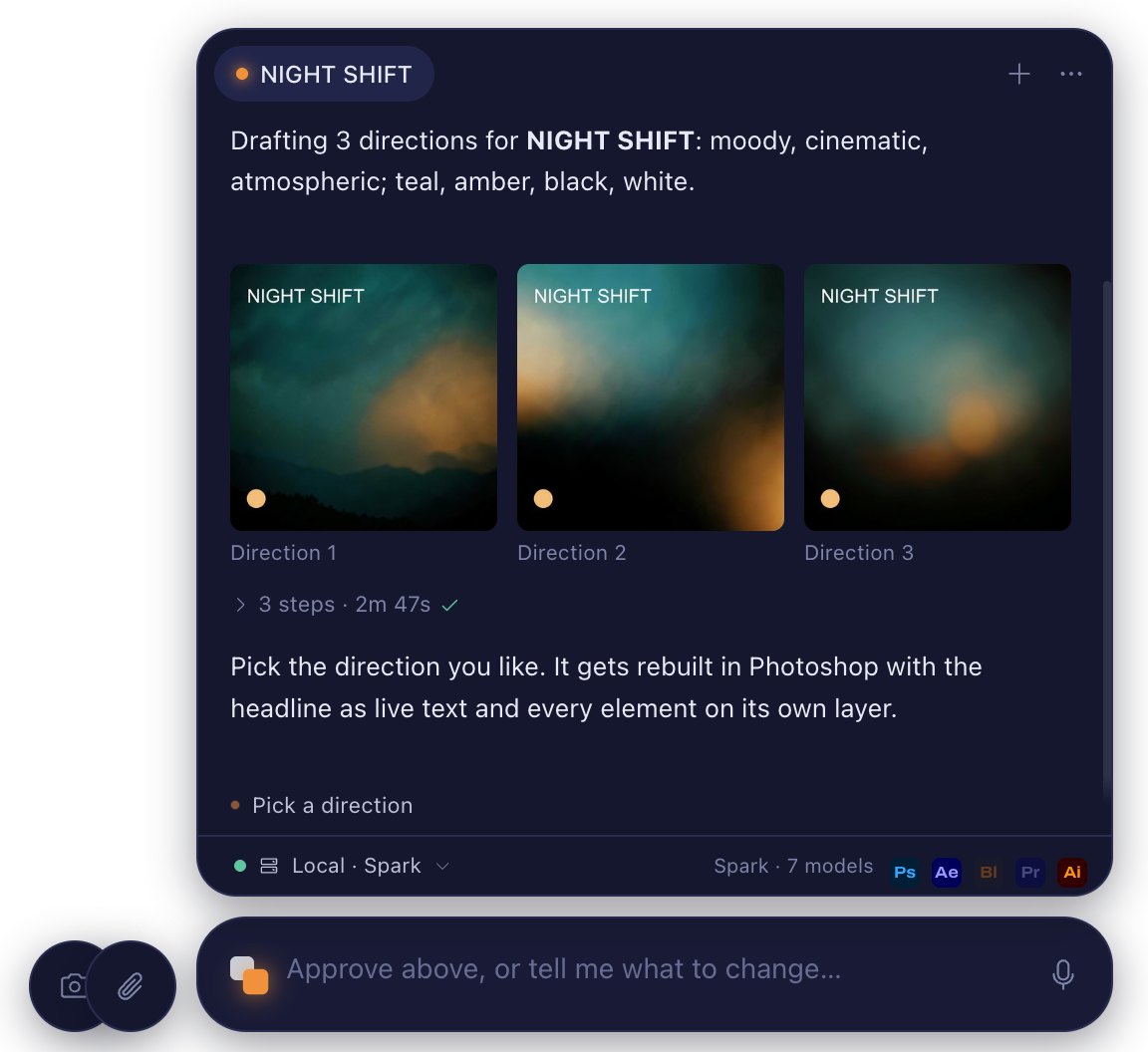
Nothing touches your documents until you say so. Then Qookin builds with the app's own tools, renders the result, compares it with your reference, and tells you what matches, what doesn't and what it couldn't tell from the reference.
Brief to verified Photoshop file in 87 seconds, with all 31 structural checks passing.1 A finished edit recut in Premiere Pro with 19 of 19 checks.2 A web page's animation rebuilt in After Effects, 99% like the page frame for frame.3
Each app gets what an expert in it would make, built with its own tools and checked afterwards by reading the project back and comparing renders with your reference.
Paragraph text in the exact font, vector shape layers, images as smart objects with real masks, layer groups. Give it a flat image and it rebuilds the type as live text over a clean plate.
Working today
Drawn from scratch over your reference: clean bezier outlines with few anchors, colours as global swatches and gradients, named layers. No auto-trace.
Working today
Shape layers rigged and animated with editable expressions, effects recreated from a clip with native effects and keyframes, and web animations rebuilt from the page's own keyframes and easing.
Working today
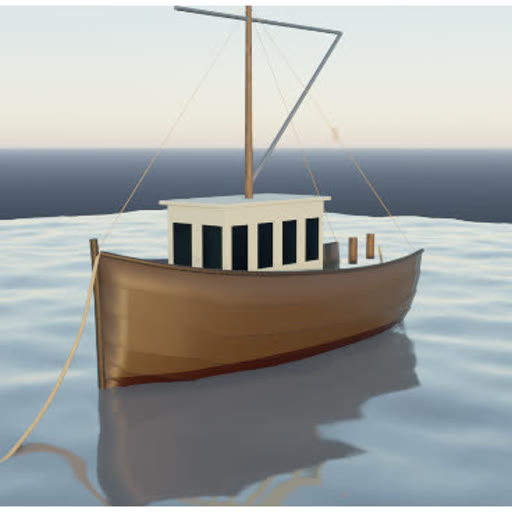
Modelled the way a 3D artist works: lofted hulls and bodies, turned profiles, cut-out windows, node materials, real-world scale. You can watch it build, one step at a time.
Working today
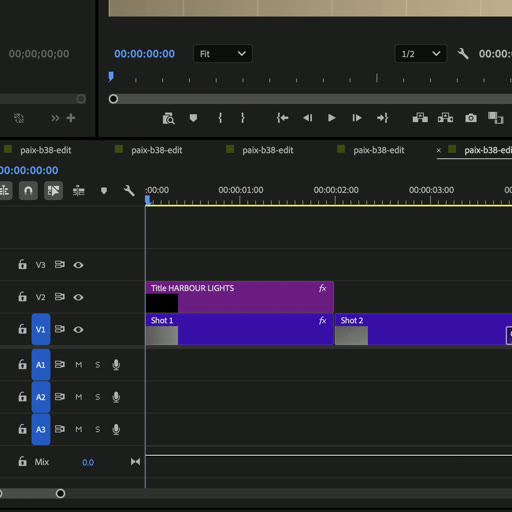
A finished edit recut natively: shots on the timeline to the frame, Cross Dissolves, a Lumetri grade and Scale keyframes per shot, live titles. Bring your own footage and each clip goes to the shot it looks like.
Working today
In development. Each one ships only after it passes the same build, re-open and edit tests.
On the roadmap
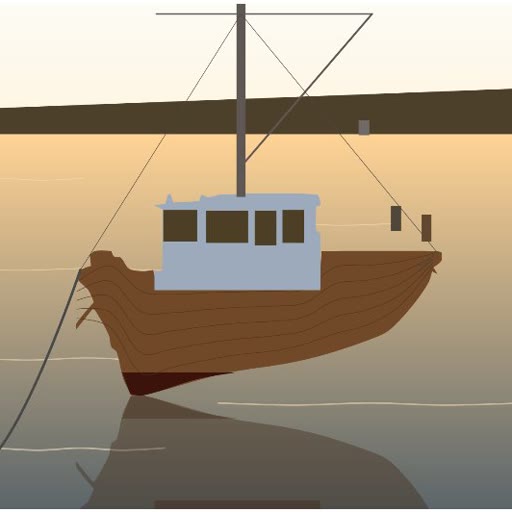
Qookin doesn't paste your image into the app or generate a mesh from it. It works out what an artist would build, such as a lofted hull, a cabin with cut-out windows, a mast and its rigging, and builds it with the app's own tools. Every part is there to edit.
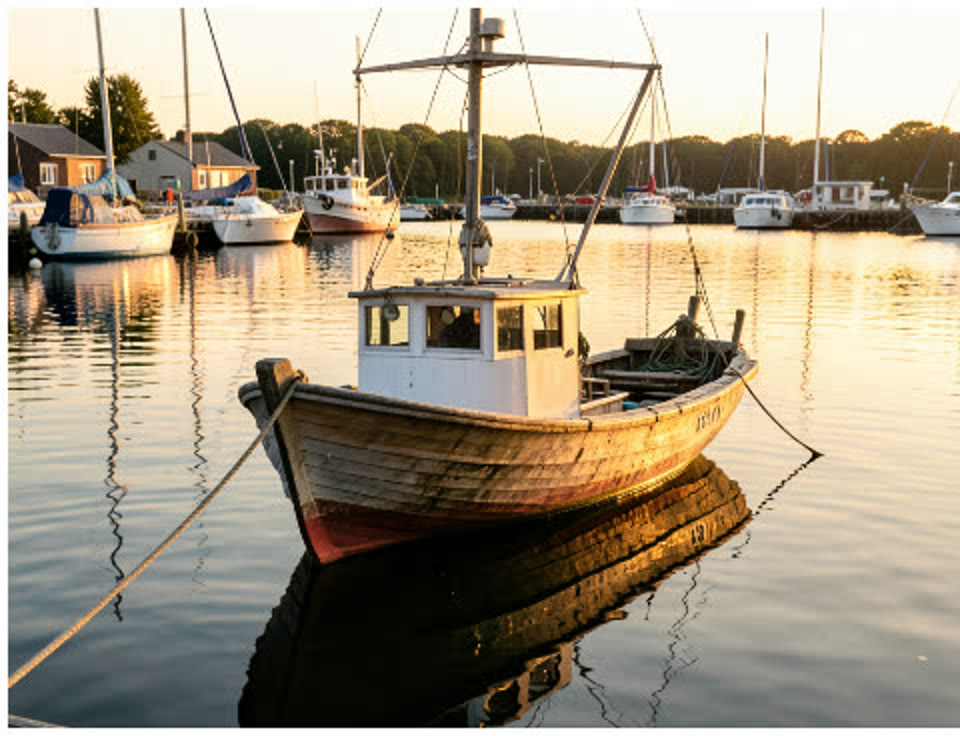
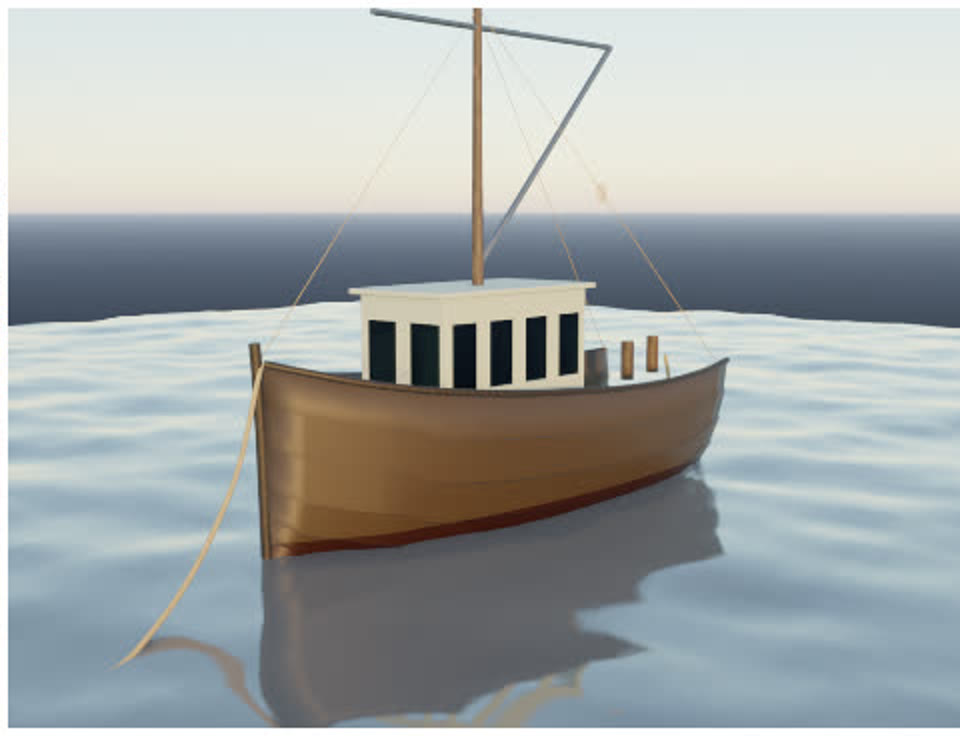
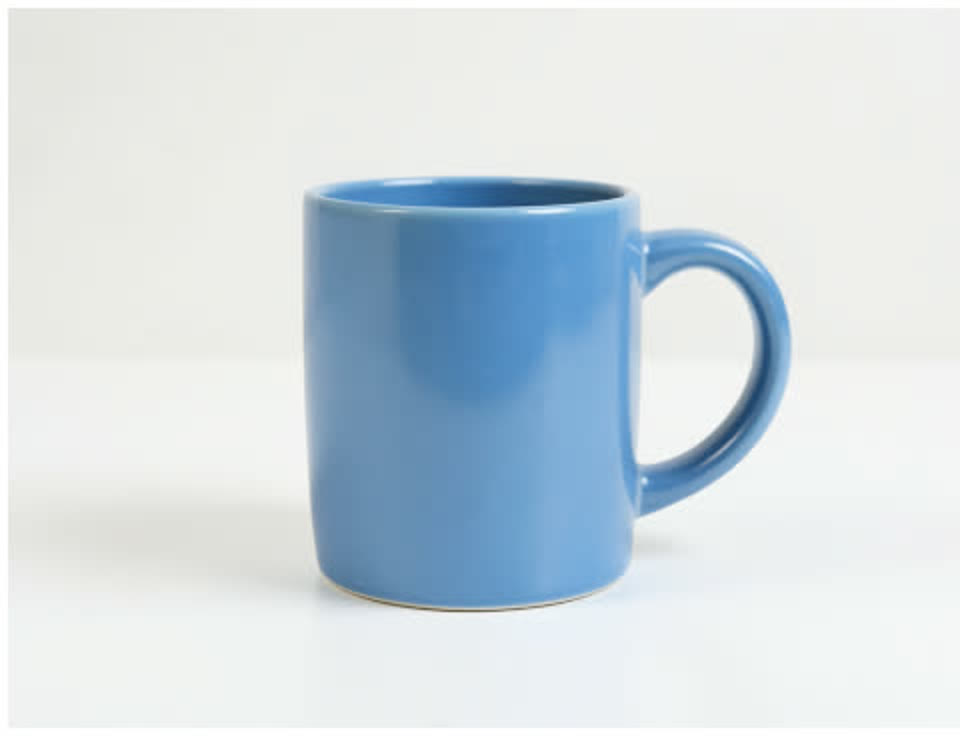
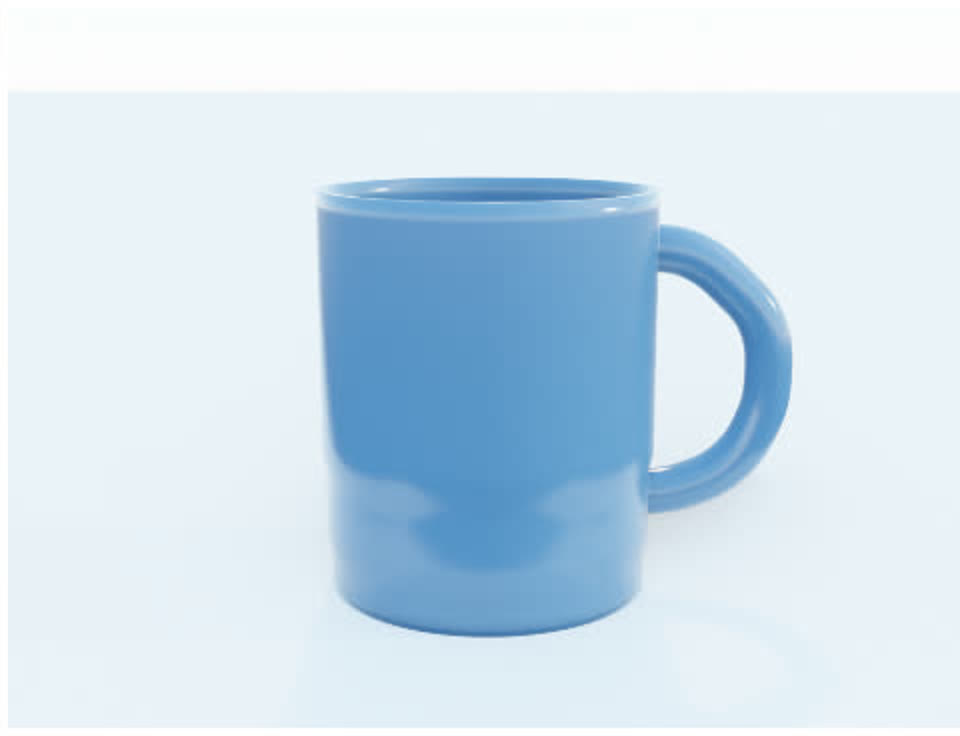
On our four labelled test references, the models match the reference's outline 82% on average, up from 71% before construction by kind.4
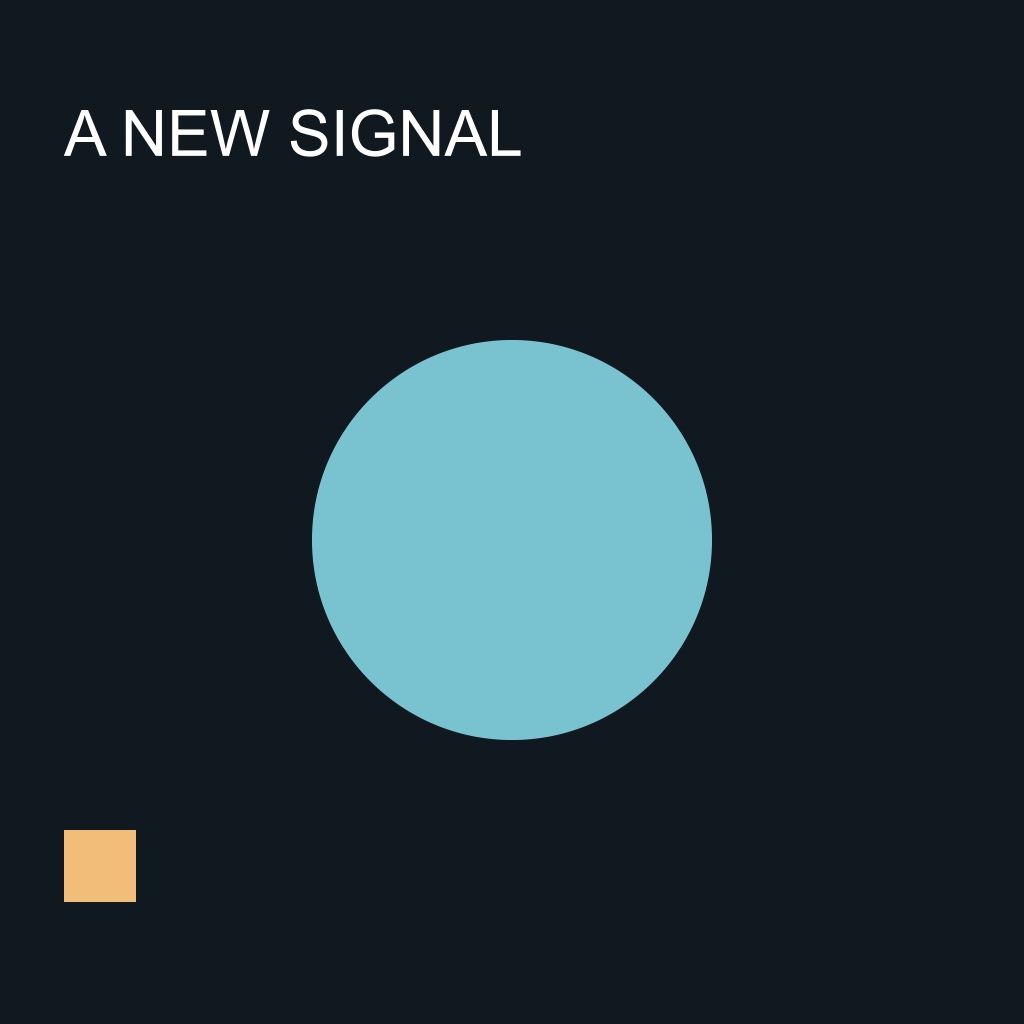
Give Qookin a flattened frame and it rebuilds the headline as real, editable text over a clean background plate. Only the area under the text is repainted; every other pixel is the original.
In testing it recovered the headline exactly, the type size to within a third of a pixel of the original 72 px, and the position to within about a pixel.5 Anything it could not separate, like the small emblem, it tells you about instead of guessing.

Points at the real menus
Ask “show me how” after any build, or ask how to do something. Qookin points at the actual menus and buttons in your app and moves on as you open them.
Follows you
It watches through macOS Accessibility, so it knows when you've opened a menu or closed a dialog, and explains steps that live in panels.
Does a step when asked
Choose “Do it for me” and Qookin runs that menu command or presses that button, only that one, and never types for you.
4.2 s
to generate a 1024 × 1024 image on an NVIDIA DGX Spark, once the model is loaded.6
Local first
Briefs, references, voice notes and generated images stay between your Mac and your AI workstation. We tested generation with the network switched off entirely.7 Prefer Claude or OpenAI to read your requests? Add your own key: only the request text goes out, and Qookin never switches on its own.
You approve
Every change to a document is shown first and needs your go-ahead. If you edit the file while deciding, Qookin stops instead of overwriting your work.
Supported AI workstations: NVIDIA DGX Spark and Dell Pro Max with GB10. Your creative apps keep their own licensing connections; Qookin adds none.
Qookin is in private development. Join the list for the founding beta, the macOS download when it is signed and ready, and launch pricing before anyone else.